



I can’t view a website: how to make blocked content work in Chrome

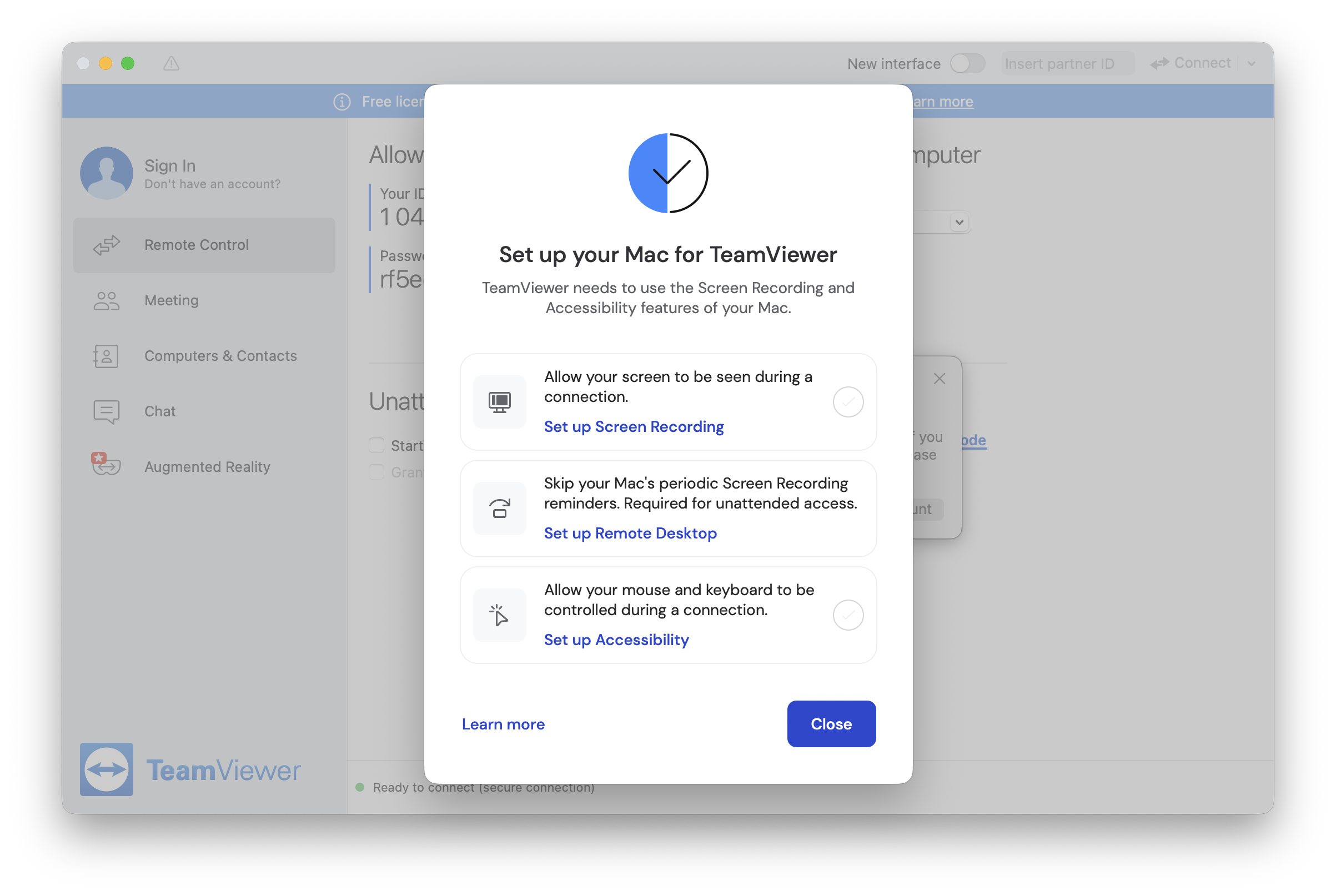
In order to keep you and your computer safe, modern browsers, like Chrome, include a variety of protective settings enabled by default. These include blocking pop-ups, ads, and “intrusive content” (often a catch all for everything else!). Particularly on macOS, Chrome will not allow things like screen capture, auto-play, or automatic downloads without your express … Read more

How to create an auto-reply for an alias in Gmail

Aliases allow users to send and receive under another email address without needing to set up an entire second account. Aliases are used in the workspace often so that employees can receive email both under a personalized address (like jdoe@fancyworkplace.com) as well as under a job title address (accountant@fancyworkplace.com). Some people use aliases to wear … Read more

How to remove photos from your iPhone. Or, this shouldn’t require a post.

For inexplicable reasons, Photos on the Mac won’t let you delete photos from the iPhone if you forgot to delete them during import (we’re not even getting into how half the time, it never deletes them from a flash card, period). There are times when you import your photos from an iPhone and don’t feel … Read more

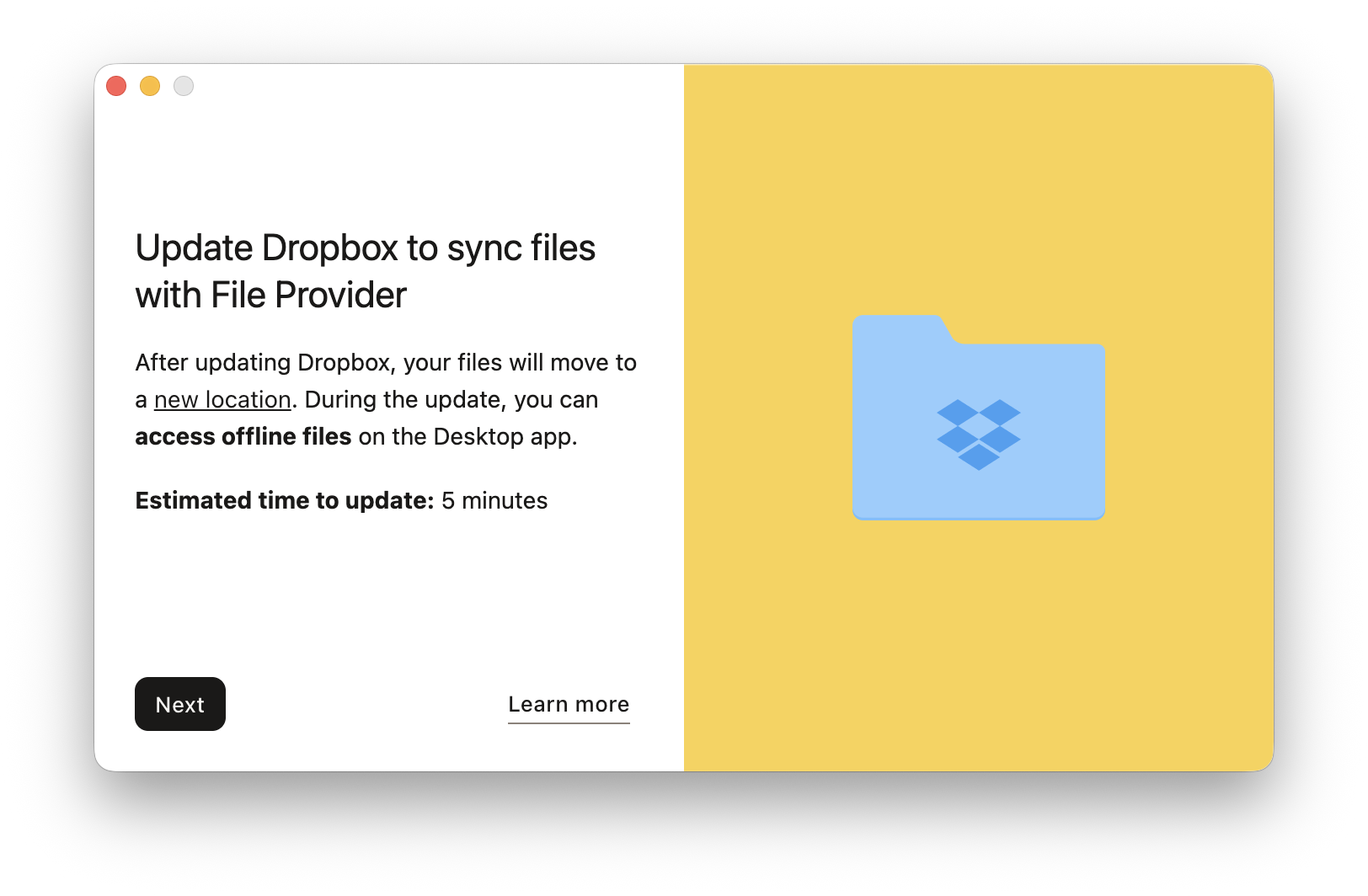
DropBox Smart Sync and High Sierra; or, I thought I was supposed to upgrade, why me.

Not interested in my ramblings? Skip down.

If you’ve been paying attention to the narrative coming from IT over the past few years, including us, one of the most recurring themes is this:

Stay up to date.

Staying up to date is the number one way to keep your hardware running well and, most critically, keep you secure. In the past, this advice came with some wincing, since updates, particularly system updates, could bring along a plethora of issues. This wincing advice was gradually replaced with certainty––Apple Mac OS updates have been more and more robust over the past few years, to the point where I was almost, almost ready to just start pulling the plug and upgrading to the latest version of the OS as soon as it came out.

But lo, Apple giveth and Apple taketh away. High Sierra definitely tooketh away.

I mean, percentage wise, it’s still been pretty painless. There have been some really wince-worthy security issues with High Sierra, but in terms of functional show-stoppers, it’s still in the 10% range. It says a lot about the past few years that this feels really bad.

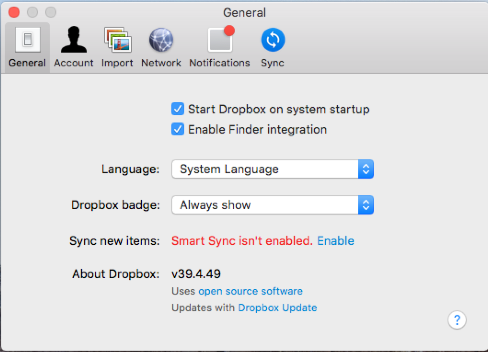
But one thing that has been completely consistent throughout our High Sierra deployments is that new installs of DropBox do not work with Smart Sync.

Read more

How do I install WordPress?

Here is a surprisingly common question: how do I install WordPress on my webhost?

Here’s the one sentence answer: you don’t, you use the 1-click install option that any decent webhost (Bluehost, HostGator, LiquidWeb, GoDaddy, etc etc) now provides.

These days, almost all of them provide a big fat button that says ‘WordPress’ when you log in to view your hosting options. Click on that, and off you go. If there is any uncertainty, you call your hosting provider, and they will happily walk you through it.

So why do we get the question so often?

Because, for some reason, people love perpetuating the manual method for installing WordPress, listed on the official WordPress.org website. It’s billed as the ‘super de duper easy peasy five minute install’ which is 100% true if you find math problems fun, chess invigorating, and live on a planet where minutes are actually hours.

Otherwise, it is a lie.

Look, it’s true that compared to many other potential installs, it’s easy. And for some, I don’t doubt it’s five minutes or less. But the problem is that other people, normal people who wonder about the difference between ‘domain’ and ‘hosting’ are being told to attempt something they have no hope of doing without a wasted afternoon and a cup of rage.

But maybe you still wonder about the difference, and maybe you still want to try. So, I’m going to give a broad overview of what’s going on in both cases.

Read more

Open Office error in saving “Problem Connecting to Server” or: how not to punch Open Office in the face

So. In a burst of organizational genius the other day, we changed the default share name on a client server. Lets say the old version was ‘Public’, and the new version was ‘Shared’. What could possibly go wrong, right? Cue the hollow laugh machine.

All went fairly well, until Open Office decided that every time you opened the save dialogue box, freaked out with an error message saying it was having an error connecting to the share ‘Public’. I say ‘freaked out’ because after dismissing it, the error appeared again not once, not twice, but four hundred five thousand times. I definitely counted.

Read more

Your iPhone or iPad isn’t saving sent IMAP messages in the cloud

The send settings for an IMAP account on an iPhone running iOS9

Most email accounts today use an IMAP email server. The advantage to this is whatever happens on one device–say, a laptop–gets reflected on another–say, an iPhone. If you read a message on your Mac, it will show up on your iPhone as having been read. If you send a message from an iPhone, it will show up in the sent folder on the Mac as well.

Except! Sometimes this doesn’t happen. You send an email on the iPhone, it sends successfully, but the email never shows in sent mailbox on the Mac.

The reason for this is some accounts configure with a different default setting for sent messages–they are configured to store sent emails locally, instead of on the IMAP server. Fortunately, it’s an easy fix.

Read more