

I can’t view a website: how to make blocked content work in Chrome

In order to keep you and your computer safe, modern browsers, like Chrome, include a variety of protective settings enabled by default. These include blocking pop-ups, ads, and “intrusive content” (often a catch all for everything else!). Particularly on macOS, Chrome will not allow things like screen capture, auto-play, or automatic downloads without your express … Read more

How to create an auto-reply for an alias in Gmail

Aliases allow users to send and receive under another email address without needing to set up an entire second account. Aliases are used in the workspace often so that employees can receive email both under a personalized address (like jdoe@fancyworkplace.com) as well as under a job title address (accountant@fancyworkplace.com). Some people use aliases to wear … Read more

How to remove photos from your iPhone. Or, this shouldn’t require a post.

For inexplicable reasons, Photos on the Mac won’t let you delete photos from the iPhone if you forgot to delete them during import (we’re not even getting into how half the time, it never deletes them from a flash card, period). There are times when you import your photos from an iPhone and don’t feel … Read more

How do I install WordPress?

Here is a surprisingly common question: how do I install WordPress on my webhost?

Here’s the one sentence answer: you don’t, you use the 1-click install option that any decent webhost (Bluehost, HostGator, LiquidWeb, GoDaddy, etc etc) now provides.

These days, almost all of them provide a big fat button that says ‘WordPress’ when you log in to view your hosting options. Click on that, and off you go. If there is any uncertainty, you call your hosting provider, and they will happily walk you through it.

So why do we get the question so often?

Because, for some reason, people love perpetuating the manual method for installing WordPress, listed on the official WordPress.org website. It’s billed as the ‘super de duper easy peasy five minute install’ which is 100% true if you find math problems fun, chess invigorating, and live on a planet where minutes are actually hours.

Otherwise, it is a lie.

Look, it’s true that compared to many other potential installs, it’s easy. And for some, I don’t doubt it’s five minutes or less. But the problem is that other people, normal people who wonder about the difference between ‘domain’ and ‘hosting’ are being told to attempt something they have no hope of doing without a wasted afternoon and a cup of rage.

But maybe you still wonder about the difference, and maybe you still want to try. So, I’m going to give a broad overview of what’s going on in both cases.

Read more

Your iPhone or iPad isn’t saving sent IMAP messages in the cloud

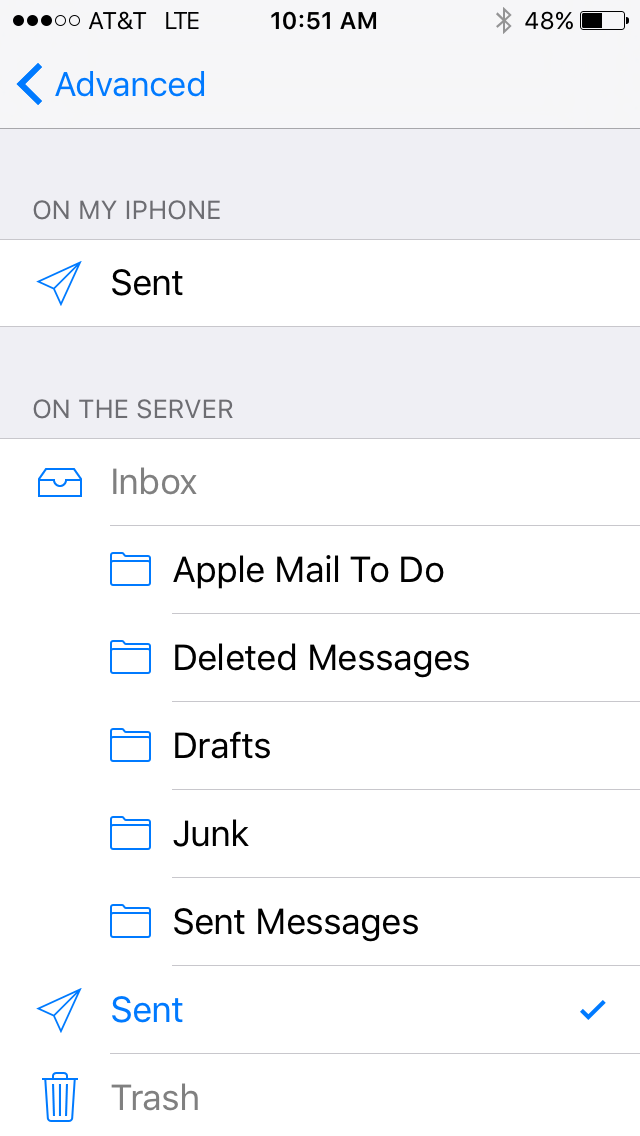
The send settings for an IMAP account on an iPhone running iOS9

Most email accounts today use an IMAP email server. The advantage to this is whatever happens on one device–say, a laptop–gets reflected on another–say, an iPhone. If you read a message on your Mac, it will show up on your iPhone as having been read. If you send a message from an iPhone, it will show up in the sent folder on the Mac as well.

Except! Sometimes this doesn’t happen. You send an email on the iPhone, it sends successfully, but the email never shows in sent mailbox on the Mac.

The reason for this is some accounts configure with a different default setting for sent messages–they are configured to store sent emails locally, instead of on the IMAP server. Fortunately, it’s an easy fix.

Read more

How to Make Sure my Time Machine Backup is Working

Time Machine Toggle Switch

Time Machine is a great and wonderful tool, but only if it’s functioning properly. You know this, because you’ve already set up your Time Machine backup. In a twist of fate, however, you may see (as you go about your daily computer-related business) a notification that you haven’t had a backup in 22 days… Which, considering that Time Machine is supposed to create a backup every hour for the past 24 hours, is concerning. How can you tell if your backup is, in fact, working? Where can you see the latest backup? How can you make sure all of the information you want to save is there?

Not to worry: there are many tools available to check and double check your backup is running properly— and if it’s not, to reconfigure the backup service to be back on its feet.

Read more

iCloud Storage Full: Or, my phone keeps annoying me and I want to smash it

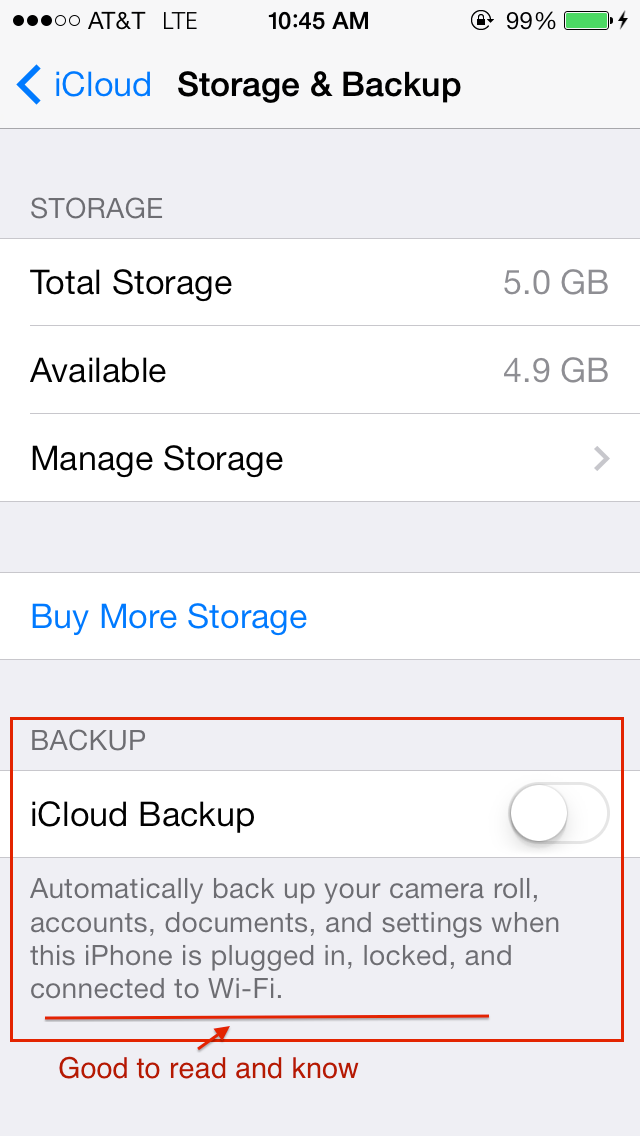
iOS iPhone iCloud backup settings

The latter part of the subject could be a lot of things. The first part, too, I suppose, but fewer enough to where we can cover them here!

If you’re an iPhone user, chances are you are, whether unwittingly or not an iCloud user as well. Apple reps at the Apple Store are pretty aggressive about turning it on (Apple ad: used car salesmen everywhere: would you like to push iCloud services instead?) and iOS itself is pretty insistent you get some iCloud on.

It’s not that iCloud is bad – by and large, it’s great, and well worth having for one reason or another. The times when you wouldn’t want iCloud are worthy of an article entirely on their own, but for the moment, lets get over my absurdly long intro and get to the meat: what do you do when you start being incessantly told your iCloud storage is full?

The possible reasons are many, the common reasons are but two. 

Read more